
Home / Industries / Roofing
Roofing website maintenance
Roofing website maintenance that is ready before the storm
When hail hits, homeowners search for a roofer that night. We keep your WordPress site fast, online and delivering inspection requests when the traffic arrives.
On this page
The problem
Where roofing websites lose jobs
The site slows down when it matters
A hail or wind event can send a month of visitors in two days. Cheap shared hosting slows to a crawl or goes down exactly then.
The inspection form stops delivering
Free-inspection and estimate forms depend on email settings that break quietly after updates. Nobody notices until the phone is too quiet.
Photo galleries drag the site down
Before and after photos straight from a phone are huge files. A project gallery can make every page slow on mobile data.
What you get
What we do for roofing companies
Hosting sized for storm traffic
Server-level caching keeps pages fast when visits spike after a storm.
Inspection form checks
On Care and Grow we send a test request through your form after every update round and confirm it is delivered.
Photo compression
Project photos are resized and converted to modern formats so galleries load quickly on a phone.
Storm-response pages
On Grow we prepare and publish a storm damage page for your service area when you need one.
Financing and insurance pages
We keep lender links, insurance claim information and warranty pages working and current when you send changes.
Updates and backups
Weekly updates checked after each round, and a daily off-site backup.
Before storm season, check these four things
Texas hail season peaks in spring, and the Gulf hurricane season runs from June through November. The weeks before are the time to check a roofing website, not the morning after.
First, load the home page on a phone using mobile data and count the seconds. Second, submit your own inspection form and see whether the email arrives. Third, confirm your phone number is a tap-to-call link at the top of every page. Fourth, make sure you know where your backups are and who can restore them.
If any of those four fails, that is what a care plan fixes and then keeps watching.
What a roofing website needs to turn a search into an inspection
Most roofing jobs start with a homeowner comparing three or four companies on a phone. These are the parts of the site that decide who gets the request, and they are the parts we watch.
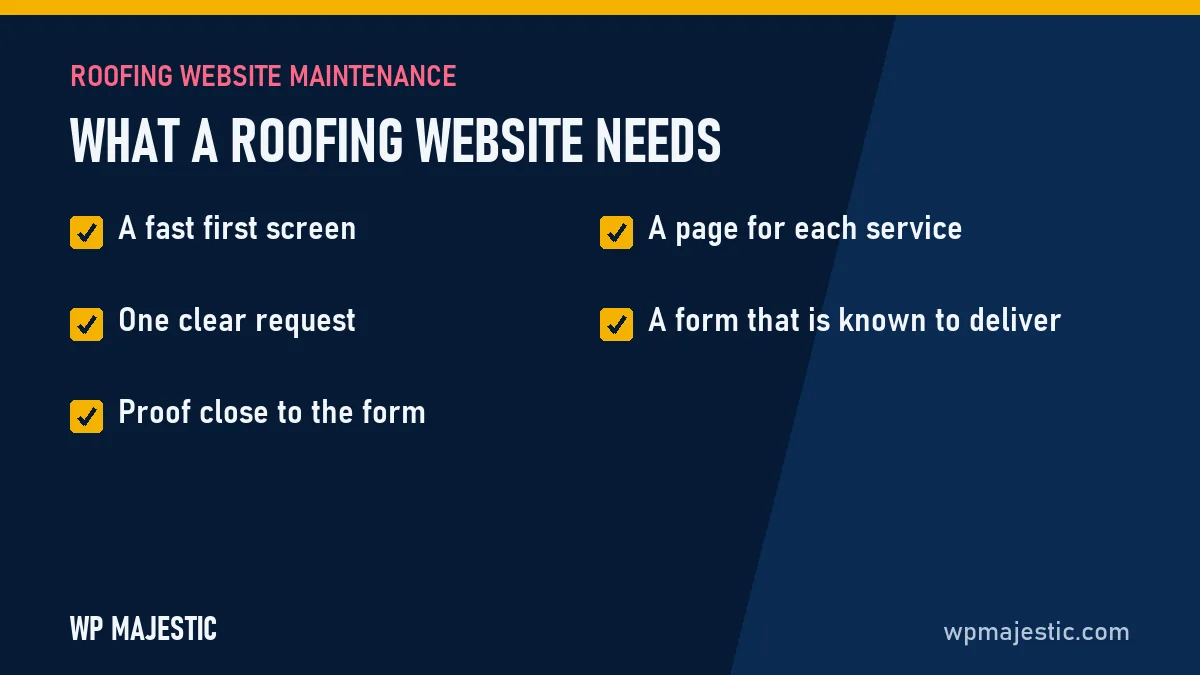
- A fast first screen. The main content should show within 2.5 seconds on mobile data. Our guide on how fast a roofing website should load explains how to test yours.
- One clear request. A free-inspection button at the top of every page and a short form: name, address, phone and what happened.
- Proof close to the form. License and insurance details, manufacturer certifications, warranty terms and recent local projects, placed where the visitor makes the decision.
- A page for each service. Repair, replacement, storm damage, metal and commercial roofing each deserve their own page, so each can be found on its own.
- A form that is known to deliver. Email settings fail without any error on screen. See why quote forms stop sending emails.
A care plan covers the technical half of that list every week. On Grow we also add the service and city pages, month by month.
Care plans
Flat monthly price. Hosting included.
No contract. Cancel any month.
Maintain
For a site that works and needs to stay that way.
$79 /month
- Managed hosting, SSL, CDN
- Weekly updates, tested before going live
- Daily off-site backups
- Security and uptime monitoring
- Monthly report in plain English
Most popular
Care
For companies that rely on the site for quote requests.
$179 /month
- Everything in Maintain
- 2 hours of fixes and edits each month
- Quote form checked after every update
- Speed tuning to pass Core Web Vitals
- Same-day response
Grow
For companies that want more calls from search.
$399 /month
- Everything in Care
- New service and city pages each month
- Google Business Profile help
- Local SEO tracking and reporting
- 5 hours of fixes and edits, priority response
See everything the care plans cover, or read about our managed WordPress hosting.
FAQ
Questions about roofing website maintenance
Can you take over a roofing site built by a marketing agency?
Usually, yes. If the site is on WordPress and you can get an administrator login, we can maintain it. Some agencies keep sites on their own closed platform; in that case we tell you what your options are.
Will the site stay up during a storm traffic spike?
Our hosting uses server-level page caching, which is what keeps a site responsive under a sudden rise in visitors. We cannot promise zero downtime, and we monitor around the clock so problems are caught quickly.
Do you write roofing content?
On the Grow plan we add service and city pages each month. On Maintain and Care we publish what you send us.
How fast should a roofing website load?
The main content should appear within 2.5 seconds on a phone. That is the line Google uses for a good result, and the free audit measures your site against it.
Can you help if our site goes down after a storm?
Yes. For sites on a care plan we monitor uptime and start working when an alert arrives. If you are not a client yet, the emergency fix is a flat $149 for one issue on one site.
What does roofing website maintenance cost?
Plans are $79, $179 and $399 a month, with hosting included. There is no contract.
Related trades
Not sure what shape your site is in?
Get a free written audit of phone speed, visible security issues, Google visibility and your quote form.